Staff
For certain types of events (such as parent-teacher conferencing) you'll need to add one or more staff to the event that parents and caregivers can book.
Staff that are added to an event will be able to sign in and view their bookings, as well as receive any reminder emails before the event starts.
Staff within an event have an optional room or meeting URL that is shown to attendees on their timetables. These will use the default room or meeting URL set on the staff member when the event is first created, but can be customized in case the staff member will be located somewhere else for the event.
Adding or removing staff from an event
- Visit the Events section in the main menu.
- Click on the name of the event.
- Click on Settings > Staff.
- Make any changes as required, and click Save.
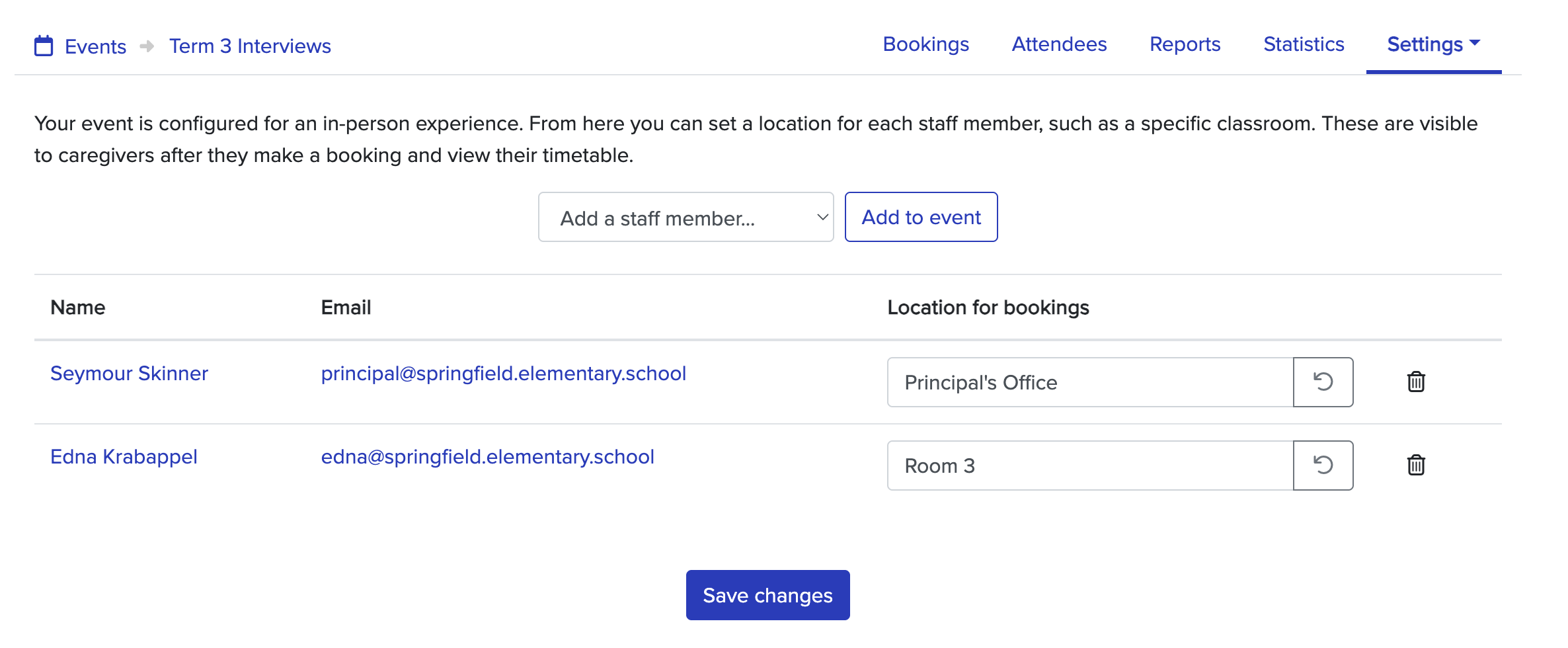
If the staff member has a default room/meeting URL set, you can use the refresh icon to change their room/meeting URL for this event back to their default.